Published July 7, 2023
Revamp Your Home with Virtual Room-Design Apps

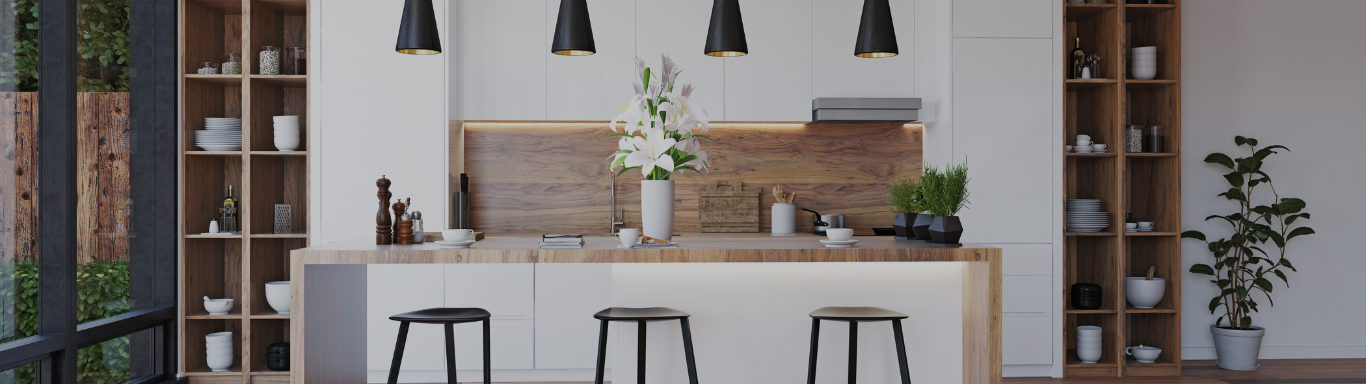
Creating a beautifully designed home that reflects your style and personality doesn't require being an interior decorating expert. Thanks to the wonders of modern technology, virtual room-design apps have made it possible to bring your vision to life.
Whether you're seeking a complete overhaul or a simple update, these apps allow you to design and layout your home in a photorealistic space, making the process easier and more enjoyable. Let's explore how you can get started and transform your space into a haven of your dreams.

Formulating a Plan
Before diving headfirst into your project, it's crucial to establish a plan to guide your efforts. Start by setting a realistic budget, which you can determine by researching prices ahead of time. Next, define your end goal and envision the transformation you desire for your space.
Selecting Your Starting Point
While you may have multiple rooms or areas to decorate, it's best to tackle them one at a time, especially if you're new to working with online decorating apps. If you're starting with a blank canvas, choose the room that seems the most manageable. For rooms that are already furnished, begin with the one needing the least work. Starting with an achievable task will help you ease into the design process smoothly.

Exploring Virtual Design Apps
Embark on an exciting journey of exploring different virtual design apps, many of which are free and offer a range of features. Here are some highly recommended virtual room-design apps:
- Roomstyler
This free app offers a wide variety of furniture and home décor items. It also boasts a large community of users who share their designs, providing additional inspiration and ideas.
- Planner 5D
Another free app with impressive features, Planner 5D allows you to import your own floor plans, offers 3D rendering capabilities, and even allows you to purchase furniture and home décor items directly from the app.
- Amikasa
While Amikasa is a paid app, it stands out with its highly realistic rendering engine and extensive library of furniture and home décor items. The app provides a premium design experience for those seeking exceptional visual quality.
- HomeByMe
As a free app partnered with various furniture retailers, HomeByMe enables you to purchase furniture and home décor items directly within the app. This feature allows you to see how the items will look in your space before making any purchases.
- Houzz
Houzz is a comprehensive website and app offering a range of features, including virtual room design, inspiration galleries, and convenient shopping options. It serves as a one-stop platform for all your design needs.

Each app possesses its unique capabilities, from simple designs to more detailed architectural options. Experiment with the various 3D features to find the app that best suits your preferences and helps you visualize your finished space. Take your time to investigate different programs, as it will provide you with a solid understanding of the design process and prepare you to kick-start your project.
Accurate Measurements for Success
Understanding the scale of your room is crucial before delving into the design process. Use a tape measure to accurately measure all angles and dimensions of the room, accounting for any dead spaces like stairs, windows, or unusable corners. Inaccurate measurements may result in purchasing furniture that is either too large or too small, causing the space to appear out of proportion. Ensuring precise measurements will help you avoid costly mistakes and achieve a harmonious design.

Uploading Your Floor Plan
Armed with accurate measurements, you can now upload your floor layout to your chosen virtual design app. Most apps provide a basic blueprint, and some even allow you to drag, drop, and rotate furniture to establish the optimal layout for your room's size and shape. You can furnish the space and make adjustments to furniture, colors, textures, and materials. Once your design is in place, take a virtual walk-through to evaluate if it meets your expectations and vision.
Designing Your Space
Like professional interior designers, start your project by creating a mood board to visualize the final design you desire. Platforms such as Pinterest and Canva are excellent tools to find and collect ideas, enabling you to curate the perfect look for your space.
Explore Design Options
Immerse yourself in design magazines like Architectural Digest, Elle Decor, and Better Homes and Gardens, as well as websites like Pinterest and Juxtapost. These resources provide endless style possibilities, helping you understand layout, style, colors, textures, and furniture preferences. Incorporate these elements into your mood board to gain a comprehensive understanding of how they harmonize, preventing costly mistakes as you progress.
Leverage Design Templates
Most virtual room-design apps offer extensive galleries with finished designs, presenting you with ideas you may not have considered. These interactive apps allow you to explore individual products and visualize how they will fit into your space. Some even provide the option to purchase items directly from their show galleries. For example, HomeByMe not only offers design inspiration but also suggests brand-name products that match your budget and style preferences.

By utilizing these virtual room-design apps and incorporating design templates, you can refine your style and bring your dream home to life. Whether you prefer a hands-on approach or are working within a limited budget, these apps empower you to create a space that reflects your unique taste and personality. With the help of technology, your home will become the haven you've always envisioned.
Paula Burrows
MANAGING BROKER